
How small businesses streamline client onboarding
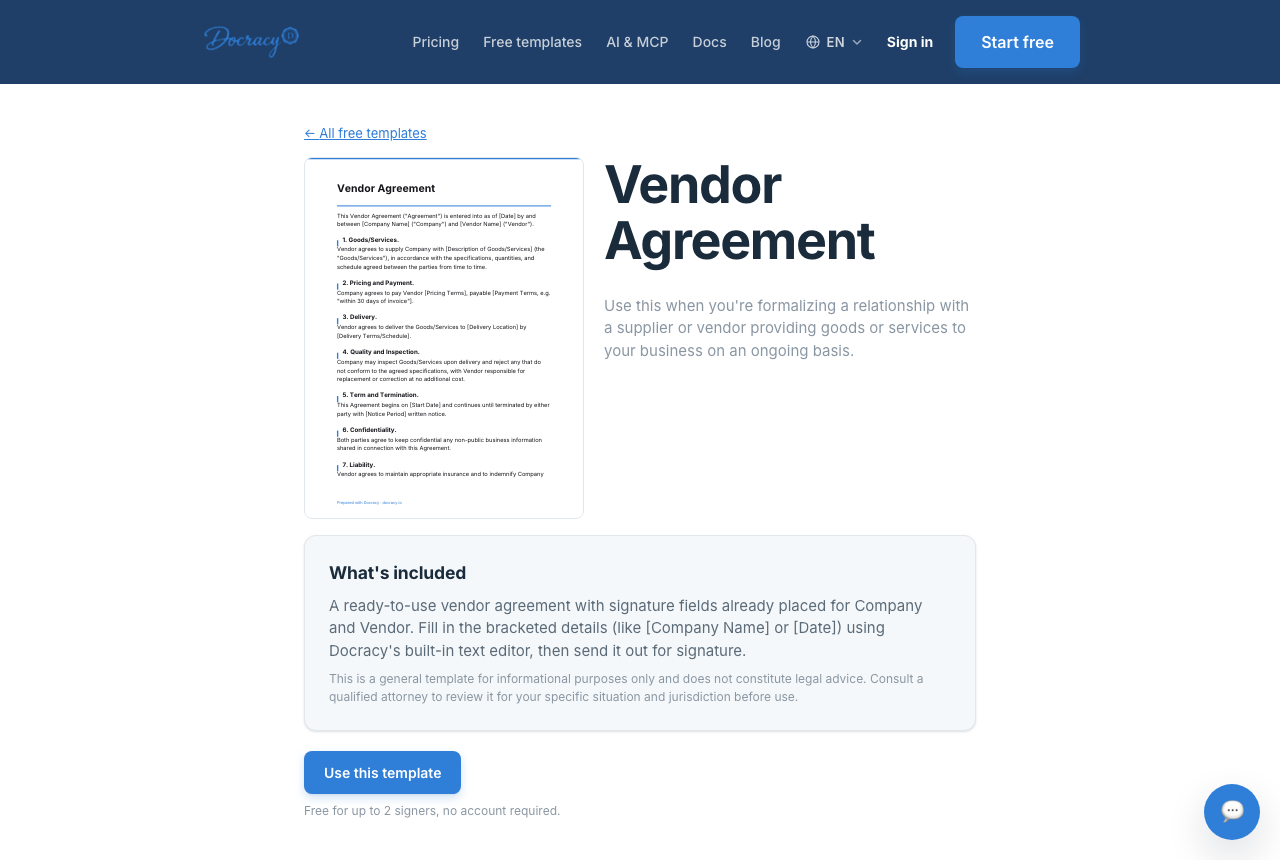

Client onboarding is where a lot of small-business time quietly disappears — not because any single step is hard, but because each new client means redoing the same paperwork from scratch, then chasing down whoever forgot to open it. The fix isn't more effort, it's a fixed sequence: a templated packet, sent in a specific order, with reminders handled automatically instead of tracked in someone's head.
Start with templates
Every recurring onboarding document — a contract, an NDA, a welcome packet — should exist as a reusable template with the client-specific fields left blank, not as a document you rewrite each time. The one-time cost of building a clean template pays for itself after the second or third client, and it removes the version drift that creeps in when someone copies last month's file and forgets to update a clause.
What actually belongs in a welcome packet
A welcome packet isn't one document — it's a small bundle that answers, in order, what the client is agreeing to, what you need from them, and what happens next. A tight version usually includes: the service agreement itself, a short intake questionnaire (project scope, key contacts, preferred communication), a payment authorization or invoicing schedule, and — if the engagement involves sensitive information before real work starts — an NDA. A cover note that plainly states what to expect next ("you'll get a kickoff call invite within one business day of signing") does more to prevent confusion than any amount of extra legal language.
Timing the sequence
The order and speed of onboarding matters as much as the content. A packet sent same-day, while the client is still in the headspace of having just said yes, gets signed faster than one that arrives two days later after their attention has moved on. A workable rhythm: send the full packet within hours of a verbal or email commitment; if it's not opened within 48 hours, an automated reminder goes out rather than a person having to remember to nudge; once signed, a short internal step (countersignature, kickoff scheduling) follows immediately so the client doesn't feel like the process stalled the moment they held up their end.
Sequential signing keeps the order intact
Not every onboarding document should be signed by everyone at once. A service agreement often makes more sense sent to the client first, with your own countersignature added only after their signature is in — so you're never bound to terms before the client has committed to them. An ordered signing sequence handles this automatically: the next signer only receives the document once the previous one has completed their part, rather than everyone getting it simultaneously and hoping the order sorts itself out. For documents that genuinely don't depend on order — say, an intake form multiple stakeholders on the client's side need to sign — sending in parallel instead avoids adding delay for no reason.
Reducing back-and-forth
A surprising share of onboarding friction isn't about the document's content — it's not knowing whether the client has even looked at it. A timestamped audit trail showing when a document was delivered, opened, and signed answers that without a phone call or a "just checking in" email. And because the client never has to create an account to open and sign, there's one less step between them agreeing to work with you and actually being onboarded — the signing link works the same whether it's their first time or their fifth.
Automate the follow-up
The most common onboarding bottleneck isn't the document itself — it's the client who opened it and then forgot to sign. Automated reminders handle that without anyone on your team needing to manually track who still owes a signature, which matters most in the exact weeks when you're onboarding several clients at once and can't afford to keep a mental list.
Frequently asked questions
How much time does this actually save?
It scales with how many new clients you onboard — for a business bringing on a handful of clients a month, the time saved on redrafting documents and chasing signatures adds up quickly compared to handling each one manually.
Is this only useful for larger teams?
No — a solo operator onboarding a few clients a month benefits just as much, since the time saved per client is the same regardless of team size. Onboarding packets with two or fewer signers (you and the client) stay free to send.
What if the client's side needs more than one person to sign?
That's supported either way — route it as an ordered sequence if it matters who signs first, or send it to everyone on the client's side at once if it doesn't. Either approach avoids one person's delay silently blocking the rest.
Why teams start with Docracy
“Docracy is a great product that I have tested and am using. It is easy to use, has good tools, is always up to date, and implements new features. Highly recommended.”— DACH Advisory


Also: Compare e-sign pricing · Free mutual NDA template
No account required for up to 2 signers.