
How online signatures work and why they're secure
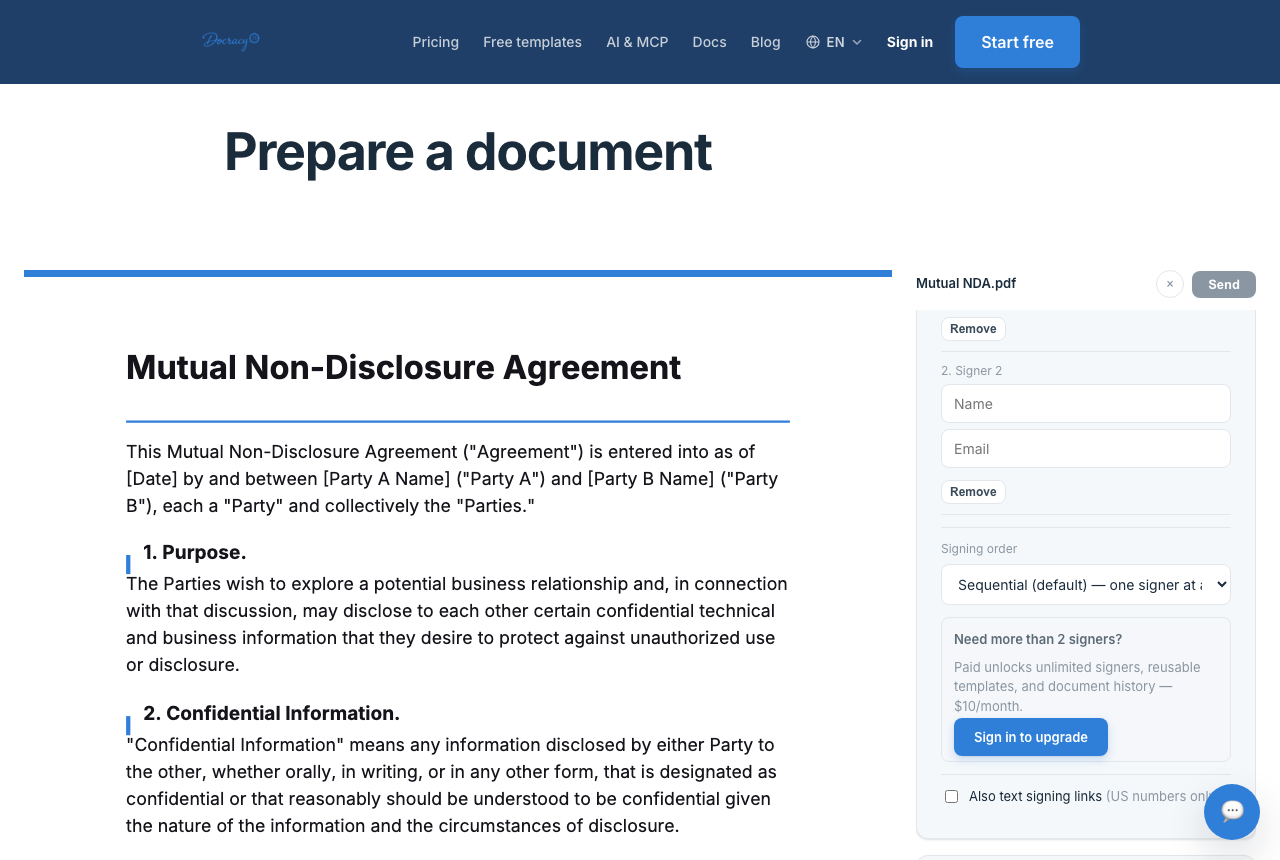

"How does an online signature actually work?" comes up a lot, usually right after someone signs something for the first time and wonders whether typing or drawing their name on a screen really counts. Short answer: yes — and the mechanism behind it has more going on than the signature graphic you see on screen. This is a look at what actually happens, step by step, from the moment a document is uploaded to the moment it's locked as signed.
Anatomy of a signing session
- The sender uploads a document and places signature, date, and text fields on it
- The recipient opens a unique link and views the exact same PDF the sender uploaded — not a converted copy or a summary
- The recipient fills in the fields and confirms consent to sign electronically, usually via an explicit checkbox or button, not an implied action
- At the moment of signing, the platform generates a cryptographic hash of the final document and timestamps the event
- Every step along the way — delivery, opening, viewing, signing — is written to an audit trail attached to that document
The signature graphic is almost incidental
A drawn signature, a typed name, and an uploaded image of a signature are all treated the same way by the underlying system — none of them is what makes the signature secure. What actually matters is the record built around the act of signing: proof that a specific person, at a specific time, consented to a specific and unaltered document. That proof is what an audit trail and a cryptographic hash exist to provide.
How the hash actually works
A SHA-256 hash takes the entire signed PDF — every byte of it — and reduces it to a fixed-length string of characters. The same input always produces the same hash, but changing even one character in the document (a date, a dollar figure, a single word) produces a completely different, unrelated-looking hash. That's what makes it useful: instead of comparing two PDFs page by page to see if anything changed, you compare two short strings. If they match, the document is provably identical to the one that was signed. If they don't, something changed.
This is also why the hash has to be generated from the final signed PDF, not the draft that went out for signature. A printed-and-rescanned copy of a signed document won't reproduce the original hash either — scanning re-encodes the file at the byte level, even though the visible content looks the same. The original digital file, not a printout of it, is what anyone would need to verify integrity later.
What's actually inside an audit trail
- Each signer's name, email address (or phone number, for WhatsApp-delivered signing), and the IP address recorded at each action
- Timestamps for delivery, when the document was opened, when it was viewed, and when it was signed
- The exact consent language shown to the signer and confirmation that they agreed to it
- The hash of the completed document, generated at the moment signing finished
This is the record that would actually get pulled up if a signature's validity were ever questioned — not the squiggle on the page. A typed name backed by a complete audit trail is stronger evidence than an elaborate handwritten signature with no record behind it at all.
Sequential signing is enforced mechanically, not just requested
When a document is set to sequential order, the second signer's fields aren't just labeled "sign after person one" — the platform withholds full access until the prior signer's completion event has actually been logged. That's a structural difference from, say, emailing a PDF around and asking people to sign in order: nothing stops someone from signing out of turn in an email chain, but a sequential digital workflow can actually prevent it.
WhatsApp signing: a tighter identity link
A standard email-link signature ties a signing event to an email address and an IP address — enough for most everyday agreements, but not a strong identity check on its own. Docracy's WhatsApp signing option is phone-bound and PIN-protected, which links the signing event to something harder to spoof than an inbox: a specific phone number confirmed with a one-time PIN. That's a meaningfully different technical mechanism, not just a different delivery channel, and it's part of why it's designed to meet a higher assurance bar than a basic email signature.
Why the law treats this as valid
Laws like the U.S. ESIGN Act, UETA, and the EU's eIDAS regulation generally treat a properly captured electronic signature as legally equivalent to a handwritten one — the mechanism described above (consent, a reliable record, document integrity) is exactly what those laws are checking for. The legal side of this — including where a basic e-signature isn't enough — is its own topic; see
are online signatures legally binding
for the tiers of assurance and jurisdiction-specific detail.
Frequently asked questions
Does an online signature need to look like a real signature?
No — a typed name, a drawn signature, or an uploaded image of a signature are all generally treated the same way legally, as long as the signing process itself captures clear consent.
What's an audit trail, and why does it matter?
An audit trail is the record of who signed, when, and from where. It's what you'd point to if a signature's validity were ever questioned — it's the evidence, not the signature graphic itself.
If I print and rescan a signed document, is it still verifiable?
Not against the original hash. Printing and scanning re-encodes the file, so the rescanned copy won't match the hash generated at signing time even though it looks identical. Keep the original signed PDF file itself, not a scanned printout of it, as the record that matters.
Why teams start with Docracy
“Docracy is a great product that I have tested and am using. It is easy to use, has good tools, is always up to date, and implements new features. Highly recommended.”— DACH Advisory


Also: Compare e-sign pricing · Free mutual NDA template
No account required for up to 2 signers.